I’m Rick McEvoy, a professional photographer in England, and I learned early that a clean sensor matters for every shot. When I change a lens I take small, careful steps to avoid dust entering the body. Those steps saved me time and frustration over the years.
The first time I had to clean my sensor, it felt daunting. I prepared slowly, learned safe methods, and practiced patience. That experience taught me practical habits that keep my gear working well.
I’ll share simple, reliable advice so you can keep your image quality high and avoid common mistakes. With a little care and the right routine, every photographer can maintain gear integrity and enjoy better results for years.
Key Takeaways
- Handle lens changes with care to limit dust entry.
- Develop a quick routine to save time and reduce risk.
- Learn safe cleaning steps before attempting maintenance.
- Regular checks prevent small spots from spoiling images.
- Patience and practice lead to steady, reliable results.
Understanding Your Camera Sensor
Knowing what lives inside the body helps you spot problems fast.
What is Sensor Dust
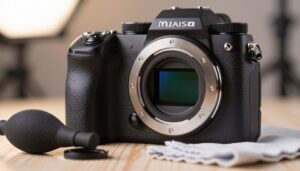
The camera sensor is the flat, shiny rectangle at the back of the body. I treat it as the modern equivalent of film — it captures light and forms every image you take.
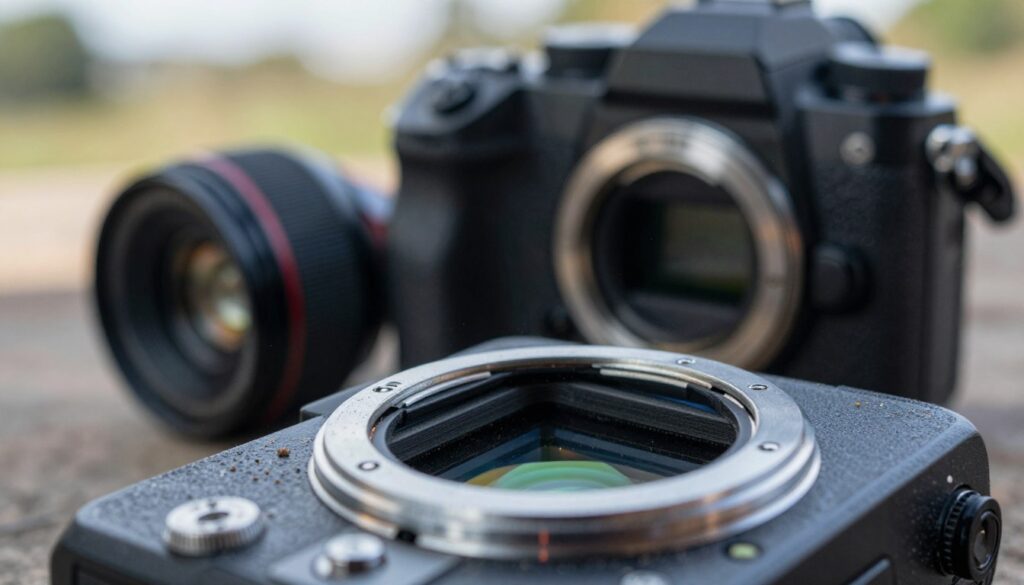
Dust shows up as grainy, fuzzy spots. I first notice them in bright skies or other light areas of an image. On the LCD screen, those spots often look like small blurry marks.
In my experience, these specks are usually harmless — they rest on the surface rather than damaging parts. Many mirrorless models and DSLRs expose the sensor when you remove a lens, so they are easy to collect particles.
- I view the sensor as a sensitive part that needs simple care.
- Small blurry spots on the screen are often just dust.
- Those marks become most visible in bright, even tones of images.
How to Protect Your Camera Sensor During Lens Changes
A few quick steps during a lens change keep my image files free from stray marks.
Best Practices for Swapping Lenses
I turn my camera off before any swap. This reduces electrical activity that can attract dust to the sensor.
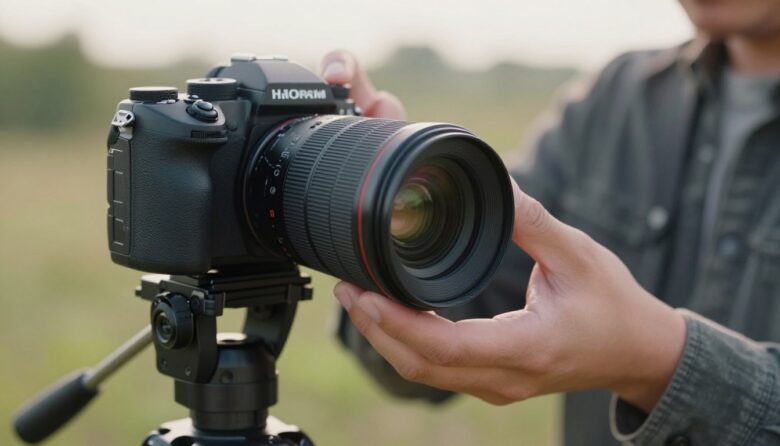
I hold the body so the mount faces downward while I remove or attach glass. Gravity helps keep particles out.
I always keep body and rear lens caps on when gear is idle. That habit saves time and prevents trouble later.
Keeping Your Mounts Clean
Every so often I wipe the rear lens mount and the camera body mount with a damp cloth when I have the time.
High-quality products—like the STC Optics protector made from aerospace-grade aluminum alloy—give a snug fit and avoid scratching. One well-chosen product can add peace of mind on long shoots.
- I store lenses in a clean bag when I’m juggling multiple cameras.
- I check mounts quickly between swaps to cut down on dust buildup.
- Small routines save me time and protect image quality on every shoot.
Essential Tips for Traveling with Your Gear
When I travel, I look for the calmest, least dusty corner before I swap any glass.
On busy sites or windy beaches, that few extra minutes saves a lot of time later.
I keep a small kit in my bag: a hurricane blower, a lens cap, and microfiber cloths. I use the blower first if any dust lands on the mirror or sensor area.
I never leave the body exposed for long. I work quickly and lower the mount toward the ground when I change a lens.
My cameras and lenses ride in a dedicated, organized bag. I vacuum the compartments now and then to remove loose debris.
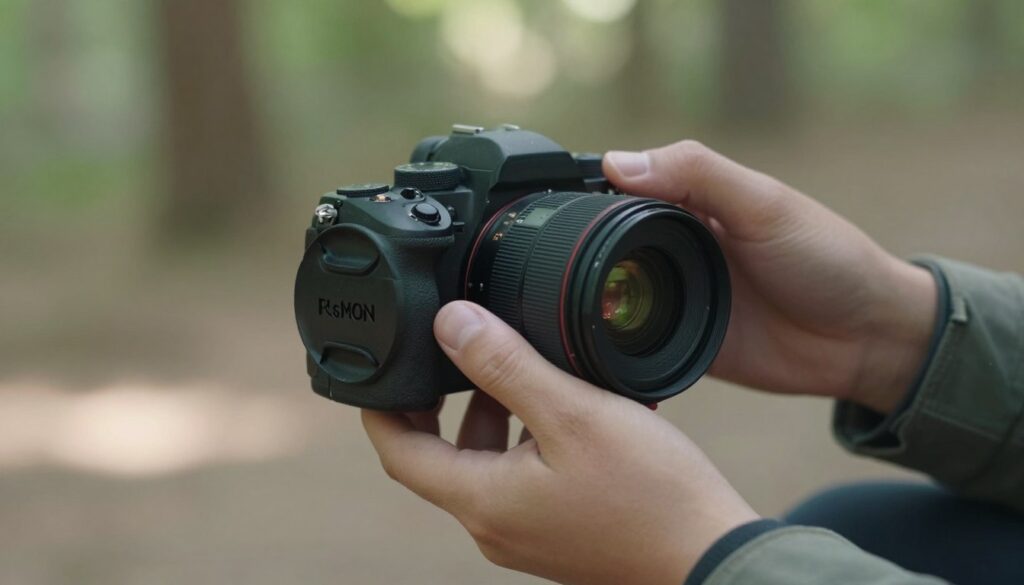
- I avoid open, windy spots and scout for sheltered areas.
- I carry cleaning tools so I can deal with dust immediately.
- Good cases keep gear dry and cut down on handling time between shoots.
| Situation | What I do | Key benefit |
|---|---|---|
| Windy beach | Find shade, work fast, use caps | Less grit on lens and sensor |
| Construction site | Change in vehicle or tent | Reduced airborne dust |
| Travel between locations | Store in padded bag, vacuum compartments | Gear stays clean and ready |
Identifying Dust and Debris on Your Sensor
I run a fast check before editing so I know if dust is behind any marks on my pictures.
The White Wall Test
Set the camera to a small aperture — f/16 or f/22 — and use a low ISO. This boosts depth of field so tiny spots show up sharp in the frame.
Point the lens at a plain white wall or a pale blue sky. Switch to manual focus and turn the ring to the closest mark so the wall is out of focus. Take a picture quickly to save time.
Using Software to Visualize Spots
I open the shot on my computer and inspect at 100% on the screen. If the same spots appear in the same place across images, that is a clear sign the sensor needs cleaning.
“Light, a small aperture and a clear screen reveal even the tiniest particles.”
- I use Lightroom’s Visualize Spots tool to invert tones and make dust stand out.
- Repeated marks in the exact location across images prove a persistent issue.
- This quick test saves editing time and shows when a proper clean is required.
Safe In-Camera Cleaning Techniques
I start every clean by letting the camera use its self-cleaning unit to shake off dust. The Canon 6D’s Self Cleaning Sensor Unit works well at dislodging loose particles before I do anything else.
Next, I charge the battery fully. A full battery prevents the shutter from closing mid-clean and avoids a stuck mechanism.
I work on a clean, flat surface. I wipe the desk first so no new debris drifts into the mount or onto a lens rear.
- I hold the body face-down and use a hurricane blower to give short, gentle puffs into the chamber.
- I avoid touching the sensor with tools unless I really must and only then use approved products and methods.
- After blowing air, I take a quick test picture at a small aperture to check for remaining spots.
“A gentle blower is my primary product for clearing debris without contact.”
These steps keep my images cleaner and cut down on time spent retouching. If spots persist after this routine, I stop and consider professional help.
When to Seek Professional Help
There are moments when tackling a stubborn mark yourself risks more harm than good.
Recognizing When You Have Reached Your Limit
I once used the wrong swab and left smears on the sensor that made my images worse. After that episode I stopped guessing and relied on trained technicians for tough jobs.
Look for signs: smears that shift with cleaning, persistent spots that air won’t move, or complex debris around the lens mount. If a test shot shows the same mark in the same place, you may need pro attention.
- If smears appear after a DIY clean, seek professional service.
- If dust or spots do not respond to gentle air, let a shop inspect the camera.
- Trust certified technicians and approved products to restore image quality safely.
“Paying for a proper clean saved my gear and my peace of mind.”
Conclusion
A few steady habits will cut the number of retouches you need after a shoot.
Keep routines simple. I leave body and lens caps on until I’m ready to swap. I work quickly, face the mount down, and use a blower for loose debris.
I test with a white wall and review files at 100% so I spot any persistent dust early. Software tools help me confirm whether a mark comes from the lens or the sensor.
Most of the time, in-camera cleaning cycles and a gentle blower keep my gear in great shape. When a mark won’t budge, I book a professional clean to avoid accidental damage to my camera.
FAQ
What is sensor dust and how does it affect my images?
Sensor dust refers to tiny particles that land on the imaging surface inside my body when I change lenses or travel. These specks create dark or soft spots on photos, especially at small apertures, and can be visible on product shots or landscape images. I check for them with a white wall test or by zooming into images at 100% to spot recurring marks.
When I swap lenses, what steps do I take to minimize contamination?
I work quickly and in a clean, sheltered area. I point the open mount downward, remove the rear cap from the lens right before mounting, and avoid windy or dusty spots. I also keep lens and body caps handy and use a camera bag that closes fast so I can stow gear immediately if conditions get rough.
How do I keep my mounts clean to reduce particle transfer?
I wipe mounts with a microfiber cloth and blow away dust with a hand air blower—not canned air. I inspect lens rear elements and the body opening before making changes. If I notice grime on contacts, I gently clean them with a dry, lint-free swab to maintain reliable communication between body and lens.
What are essential tips I use when traveling with my gear?
I pack gear in a padded bag, store lenses with rear caps on, and keep cameras upright and zipped away. I avoid leaving equipment in direct sunlight or dusty areas and use silica gel packs to control moisture. For carry-on, I keep critical items with me to prevent rough handling.
How does the white wall test help me find spots?
I photograph a plain, evenly lit white surface at a small aperture (like f/16), then inspect the image at 100% on my screen. Repeating dark spots that don’t move indicate particles on the imaging plane or lens. This quick check tells me whether I need to clean the interior or just the front elements.
Can software show me dust and help clean images later?
Yes. I use image-editing tools that map dust spots and clone or heal them out of photos. Raw-processing software often offers spot-healing brushes and automated dust mapping, which makes batch corrections faster for product images or client work.
What safe in-camera cleaning techniques do I use first?
I start with a hand blower to dislodge loose particles, then use the camera’s built-in sensor cleaning function if available. For stubborn spots, I use a wet swab method with manufacturer-recommended cleaning solution and a single-pass approach to avoid streaks. I follow exact instructions for my brand to prevent damage.
When should I stop and seek professional cleaning service?
I call a pro if repeated home cleanings don’t remove marks, if I see stains or oil on the imaging surface, or if I’m unsure about performing a wet clean. Authorized service centers have the tools and training to handle delicate work without risking my gear.
How do I recognize I’ve reached my limit and need expert help?
If spots persist after multiple careful attempts, if I detect smudges that won’t budge, or if the cleaning task feels risky, that’s my cue. Also seek help when warranty or sensor-coating concerns exist—experts can document and fix issues safely.

Ryan Mercer is a camera sensor specialist and imaging technology researcher with a deep focus on CMOS and next-generation sensor design. He translates complex technical concepts into clear, practical insights, helping readers understand how sensor performance impacts image quality, dynamic range, and low-light capabilities.